
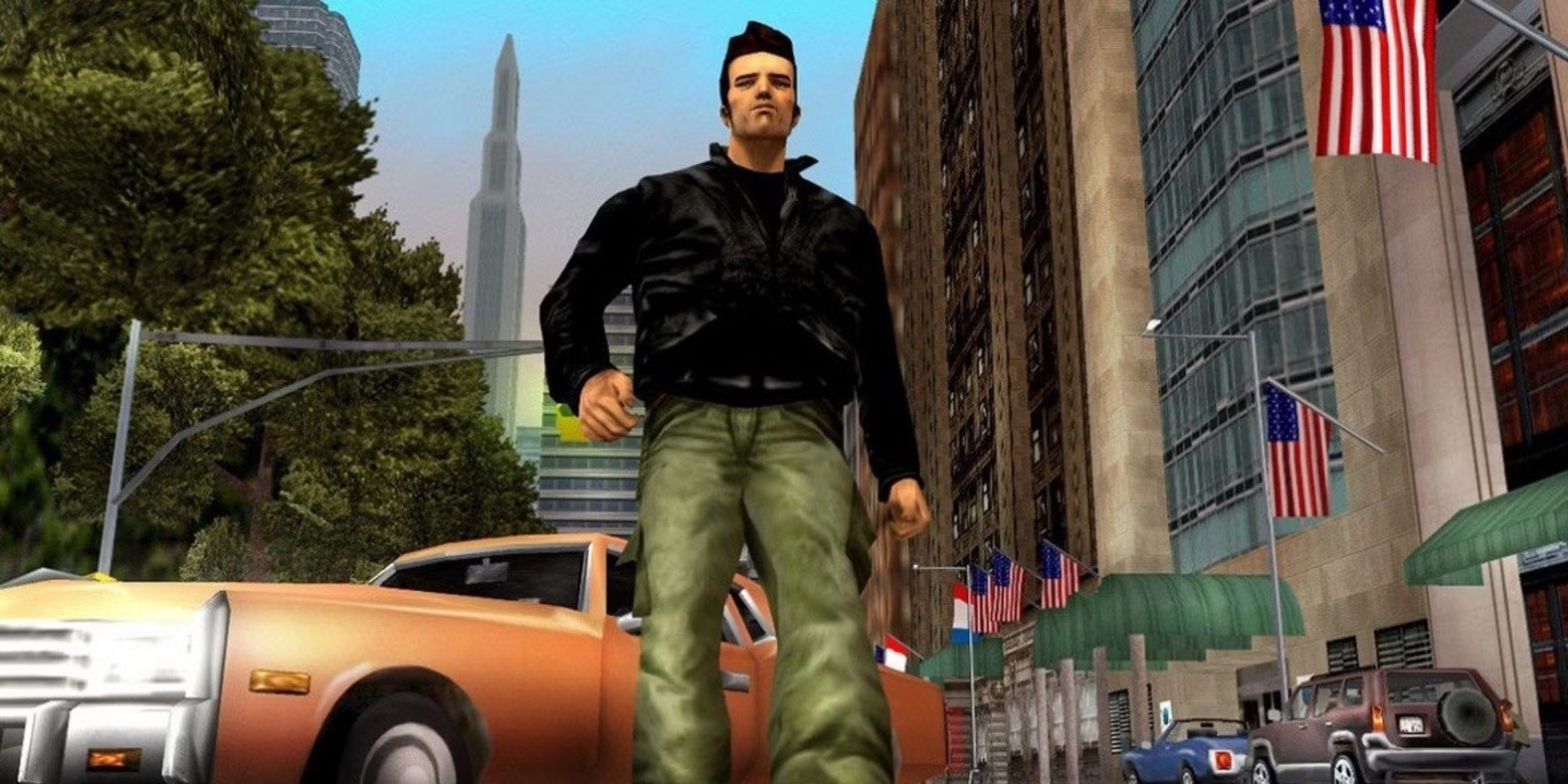
Tired of replaying difficult missions in GTA 3 or just want to freely explore Liberty City after unlocking everything? The solution is simple — Download GTA 3 100% save file. This quick method lets you enjoy the full game’s features without spending hours progressing through missions.
In this guide, we’ll explain what a save file is, where to find trusted sources, and how to safely install it step-by-step.
What Is a Game Save File?
A save game file contains another player’s progress — allowing you to load the game from an advanced point or after all missions are completed.
In the case of GTA 3, this means you’ll have full access to Liberty City, all weapons and money unlocked, and every mission finished.
Save files are useful for exploring freely, testing vehicles or weapons, or restoring lost progress after reinstalling the game or changing your system.
Where to Find Trusted GTA Save Files

Many websites host save files for the Grand Theft Auto series, but it’s crucial to use trusted sources to avoid modified or infected downloads. Some of the best and safest options for downloading a GTA 3 PC save file include:
- GTAinside – one of the most reliable hubs for original and virus-free files.
- GTAGarage Forums – features community-verified saves from long-time players.
- Reddit and NexusMods – where users share direct links along with feedback and ratings.
Always read the description and user comments before downloading to ensure the file is legitimate and safe.
How to Install and Download GTA 3 100% Save File for PC
Before downloading, it’s important to follow the right steps to prevent errors or corrupting your original files. The process is simple and doesn’t require any special tools — just precision when copying the save file into the correct folder.
Here’s the full step-by-step installation guide:
- Download the save file from a verified link (ensure it’s virus-free).
- You’ll usually get a .zip or .rar compressed folder.
- Extract the file using WinRAR or 7-Zip.
- Copy the extracted files into this directory on your computer:
C:\Users\[Your Username]\Documents\GTA3 User Files - Launch the game and select Load Game from the main menu.
You should now see a fully completed save — with every area unlocked, all missions finished, and the city ready for free exploration.
Safety Tips Before Installing Save Files
While save files save time, downloading them from the internet can pose risks if you’re not cautious. To keep your system and game stable after downloading a GTA 3 save file, follow these essential safety tips:
- Avoid downloading .exe or executable files — they may contain malware.
- Always scan your downloaded files with an updated antivirus before opening.
- Keep a backup copy of your original saves in case you want to restore them later.
- Never download from suspicious links, pop-ups, or anonymous sources.
Following these steps guarantees a safe and smooth experience without data loss or performance issues.
Alternative Option: Use Cheat Codes Instead
If you’d rather not download GTA 3 100% save file, or you’re concerned about security, you can achieve similar freedom using GTA 3 cheat codes.
These in-game commands allow you to instantly unlock weapons, spawn vehicles, boost health and armor, or even turn Liberty City into total chaos — all without modifying your files.
Just type the codes directly while playing to activate them instantly. It’s a fun, risk-free way to enjoy all the game’s features without worrying about corrupted saves.
Don’t forget to check: