
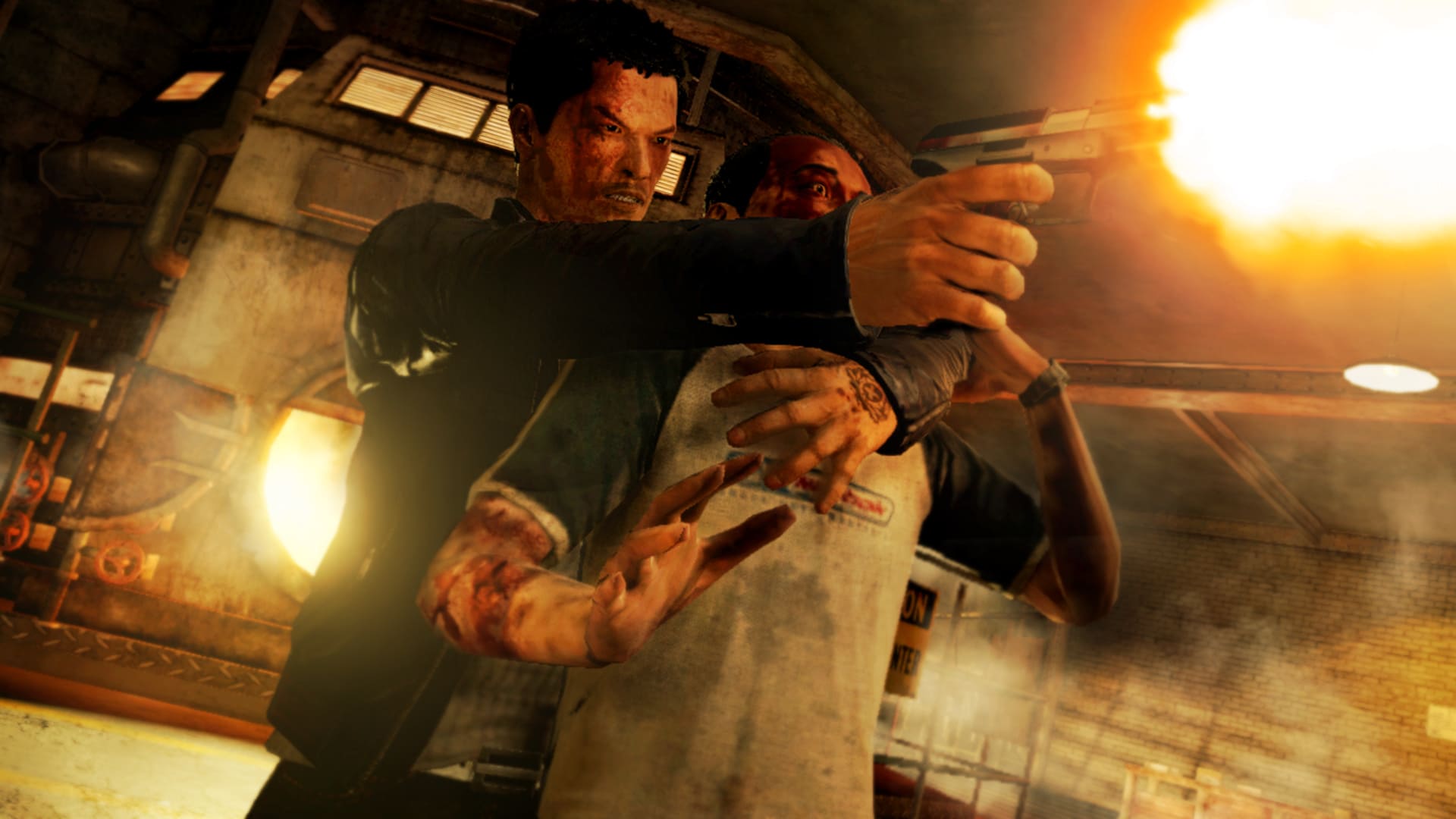
If you’ve been wondering how to download Sleeping Dogs on PC safely and correctly, this guide is all you need. We’ll walk you through the setup process, system requirements, and essential precautions so you can install and run the game smoothly — without issues or wasted time.
Preparing to Download Sleeping Dogs Successfully
Before downloading, make sure your system meets the game’s requirements. Proper preparation helps you avoid crashes or performance problems later.
Minimum System Requirements
- OS: Windows Vista / 7 / 8 / 10 (64-bit)
- Processor: Intel Core 2 Duo 2.4 GHz or AMD Athlon X2 2.7 GHz
- RAM: 2 GB
- GPU: NVIDIA GeForce 8800 GT or AMD Radeon 3870 (512 MB VRAM)
- DirectX: Version 10
- Storage: 15–20 GB of free space
- Sound Card: DirectX-compatible
Recommended Requirements
- OS: Windows 7 / 8 / 10 (64-bit)
- Processor: Intel Core i5 2.6 GHz or AMD Phenom II X4 940
- RAM: 4 GB or higher
- GPU: NVIDIA GeForce GTX 560 or AMD Radeon HD 6950 (1 GB VRAM or more)
- DirectX: Version 11
- Storage: 20 GB free on your hard drive
- Sound: DirectX-compatible, with good speakers or headphones for full cinematic immersion
Additional Tips Before You Download

To ensure a flawless experience when downloading Sleeping Dogs for PC, check the following:
- Stable Internet connection – needed for download verification and updates.
- Updated drivers – especially GPU drivers, for optimal performance.
- Extra disk space – leave an extra 20–30% free for cache and updates.
- Language and version check – make sure your chosen edition supports your preferred language.
- Backup & security – create a restore point and run updated antivirus software before installing anything.
Step-by-Step: How to Download Sleeping Dogs on PC
For the safest and most stable experience, always use official sources. The best option is Steam, which offers verified files, automatic updates, and full support.
- Search for Sleeping Dogs on the Steam Store, or go directly to its download page.
- Avoid unofficial sites or torrents — they may include malware or broken files.
- If you purchase a digital version, keep your receipt and login credentials safe.
- Confirm that you have enough disk space before starting the download.
- Once installed, launch the game via Steam and enjoy guaranteed stability and updates.
Can You Download Sleeping Dogs in Just 2 GB?
In short — no. The full game typically requires 10 to 25 GB, depending on version and audio quality. You might find heavily compressed or modified builds online claiming a smaller size, but these are often incomplete or unsafe.
If you want a smaller and legitimate install, simply download the game through Steam as we mentioned earlier. The platform usually provides smaller initial download sizes, and the total file size increases only during installation. It’s the safest way to minimize download size without losing any content.
How to Play Sleeping Dogs for Free (Legally)
If you’re hoping to download Sleeping Dogs for free, there are legitimate opportunities — though they depend on timing and luck:
- Limited-time promotions: Platforms like Steam and Epic often give away free games during seasonal sales. Add Sleeping Dogs to your wishlist to get alerts.
- Subscription services: Some game bundles or memberships (like Xbox Game Pass PC) occasionally include the game for subscribers.
- Bundles & giveaways: Keep an eye on Humble Bundle or Fanatical for special deals.
- Community contests: Developers and gaming communities sometimes host code giveaways on social media.
Avoid pirated versions — they violate copyright laws and can contain malware that compromises your device.
What to Do After Installing Sleeping Dogs
After successfully downloading Sleeping Dogs on PC, follow these steps for the best experience:
- Verify file integrity: In Steam → Properties → Local Files → Verify Integrity to confirm the game isn’t corrupted.
- Update your GPU drivers and Windows OS.
- Adjust graphics settings for balanced performance (start medium, then fine-tune).
- Enable auto-save and create manual saves before major missions.
- Be cautious with mods: Read reviews first and back up your files before adding any modifications.
- If issues appear, check official support pages or player forums before reinstalling.
- Set your preferred subtitles or voice-over language to enjoy the story fully.
That’s everything you need to know about downloading and setting up Sleeping Dogs for PC — a complete blend of action, drama, and open-world excitement waiting for you to dive in.
Is There a Sleeping Dogs 2?
Unfortunately, no official sequel exists. Any website claiming to offer a Sleeping Dogs 2 download is fake and should be avoided.
Many fans confuse Sleeping Dogs: Definitive Edition with a sequel, but it’s actually a remastered version of the same game, featuring visual and performance upgrades. You can find it safely on Steam and other verified stores.
Don’t forget to Check: