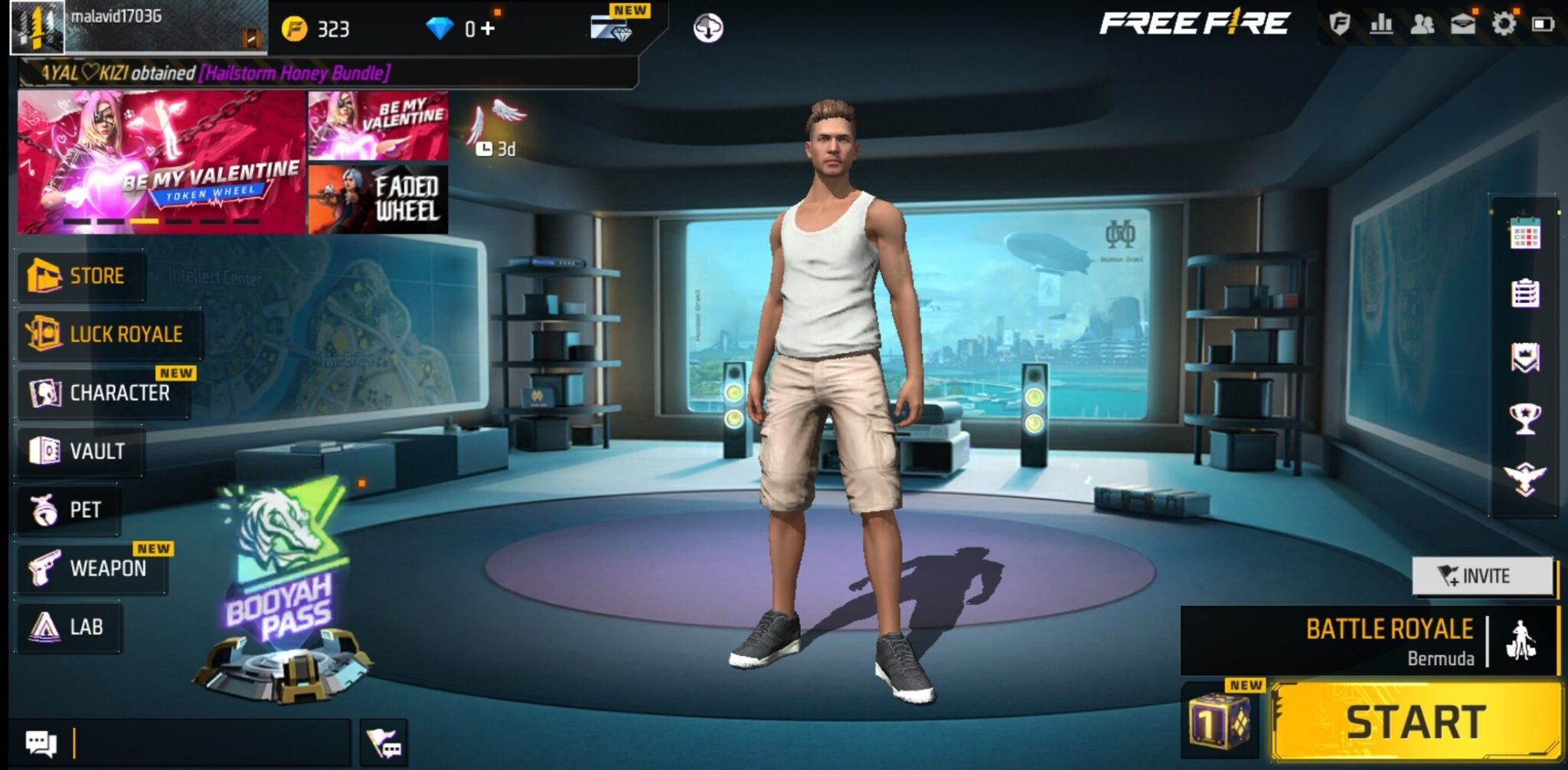
In today’s guide, we’ll walk you through everything about Free Fire Advance, also known as the Free Fire Advance Server — including how it works, what makes it unique, and how to register for access.
What Is Free Fire Advance?

Free Fire Advance (Advance Server) is a test version of Garena’s official Free Fire game. Released periodically, it allows a limited number of players to try out upcoming features before they’re officially launched in the main version.
Its main goal is to collect player feedback, identify bugs, and improve performance ahead of public updates. Those selected gain early access and receive exclusive rewards for helping test the new features.
Gameplay in Free Fire Advance
The gameplay in Free Fire Advance feels very similar to the original Free Fire, but with a special twist — it lets you experience the future of the game before anyone else.
When you enter the Advance Server, you’ll immediately notice experimental content and gameplay adjustments. These changes are often temporary, added only to test player reactions before being implemented in the official game.
Here are the main elements that make Free Fire Advance stand out:
1. New Experimental Characters
Each test phase introduces new characters with unique abilities not found in the official release. These experimental heroes allow players to explore fresh strategies that could reshape the game’s combat style.
2. Weapon and Gear Testing
You’ll find new or rebalanced weapons, featuring changes like recoil control, reload speed, or accuracy improvements. Developers use this feedback to fine-tune combat balance before release.
3. Updated Maps and Environments
Some versions include modified or brand-new maps, complete with new terrain features, obstacles, and hiding spots — offering a fresh battlefield experience.
4. Interface and Control System Tweaks
Garena often tests UI and control updates, such as redesigned menus, a new inventory layout, or improved aiming systems, to enhance gameplay fluidity.
5. Technical Stability and Performance Testing
While it’s fun to try early features, the Advance Server’s main purpose is performance testing. Minor bugs or crashes are normal, as players help developers identify and fix them before the official rollout.
Key Features of Free Fire Advance
Free Fire Advance stands out for several reasons:
- Early access to upcoming content.
- Exclusive rewards for reporting bugs.
- A sense of prestige among the Free Fire community.
- Improved overall performance through player feedback.
- Limited access — making participation an achievement in itself.
How to Register for Free Fire Advance 2025
To join the Free Fire Advance Server, follow these simple steps:
- Go to the official Free Fire Advance Server website via [this link].
- Sign in using your Facebook account linked to the main game.
- Fill in your details, including your name and email address.
- Wait for Garena’s confirmation email.
- If selected, you’ll receive an activation code that grants access to download and play the test version.
What Is the Free Fire Advance Code?

The Advance Code is a unique key that allows you to log in to the testing server. Without it, you can’t access the Advance version.
Each approved player receives a personal code that cannot be shared or reused. Examples of activation codes may look like this:
Frequently Asked Questions About Free Fire Advance
1. How can I get a Free Fire Advance code?
You can only obtain the code after registering on Garena’s official Advance Server website and waiting for approval. If selected, Garena will email you your personal activation key.
2. How do I join the Free Fire Partner Program?
Garena’s Partner Program is available for active content creators. To apply, you need a YouTube or TikTok channel focused on Free Fire with solid engagement and follower numbers.
Approved partners receive exclusive rewards, access codes, and early access opportunities. You try to join by requesting through the official website.
3. How do I download Free Fire Advance?
Once you receive your activation code:
- Visit the official Advance Server page.
- Download the APK file.
- Enable installation from unknown sources on your device.
- Launch the game and enter your code.
- Enjoy the latest Free Fire features before everyone else!
Don’t forget to check: