
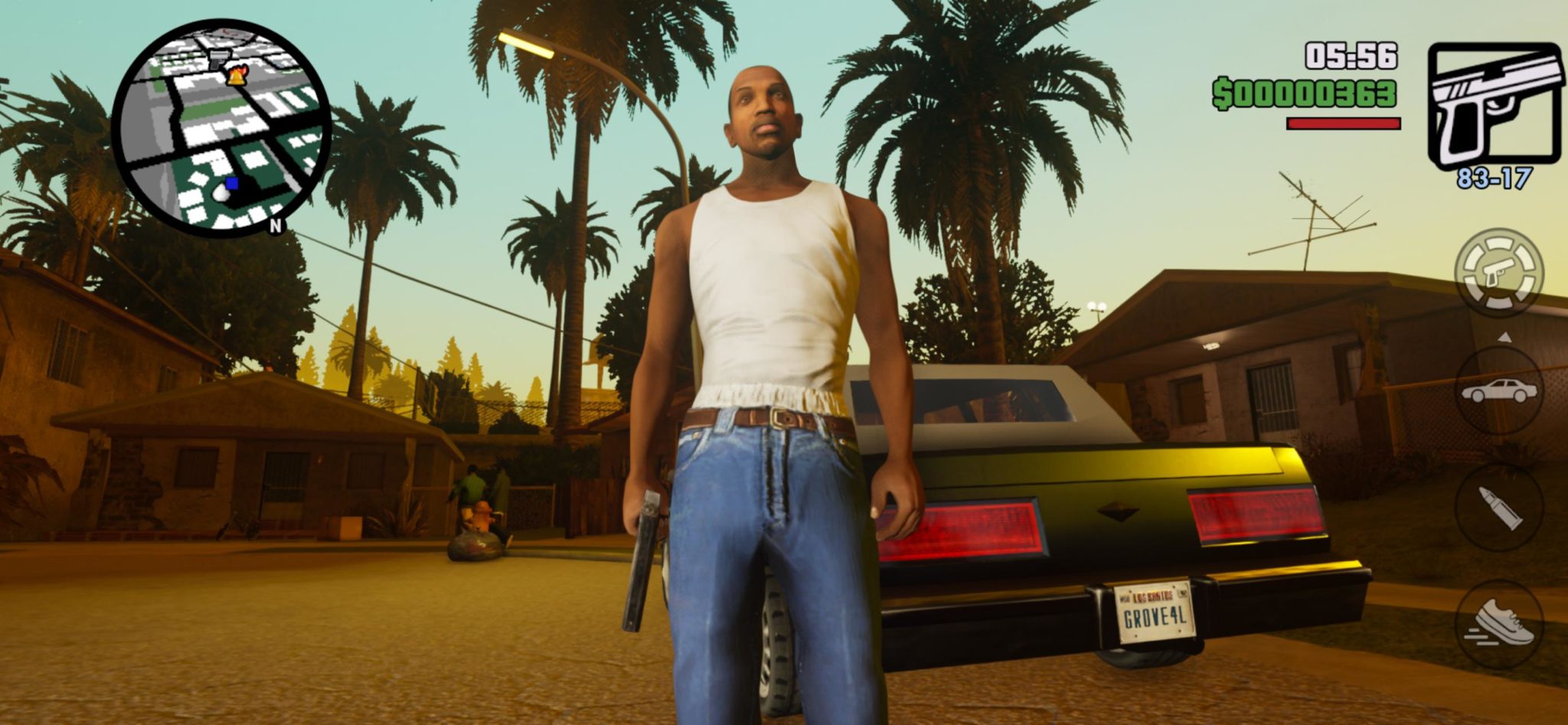
Jumping into the amazing experience of GTA San Andreas on mobile devices is surely an exciting idea for many players. Being able to enjoy one of the best games on your phone is something we can’t ignore, and like any GTA title, you can make your gaming sessions crazier and more enjoyable by using GTA San Andreas cheats for mobile.
That’s why we’ve put together a complete guide to help you learn the full list of cheat codes and how to use them on your phone. Don’t forget to also check out our Definitive Edition cheats guide.
How to Activate GTA San Andreas Mobile Cheats
You can enter cheat codes in GTA San Andreas on mobile devices, although the method differs slightly from PC and console versions.
On mobile, GTA San Andreas uses the same text-based cheat codes as the PC version, rather than the button combinations found on PlayStation or Xbox. This means cheat codes must be typed using an on-screen or external keyboard while playing the game.
On mobile, GTA San Andreas cheat codes are usually entered through one of the following methods:
- Launch GTA San Andreas on your mobile device
Open the game on your Android or iOS phone and load your saved game or start a new session. - Don’t pause the game during gameplay
Make sure you are actively in-game. Cheat codes cannot be entered from the main menu. - Open the on-screen keyboard
Tap the screen to bring up the virtual keyboard. On some devices, you may need to connect an external keyboard or use a supported third-party keyboard app to type cheat codes. - Type the cheat code exactly as written
Enter the cheat code letter by letter. Cheat codes are not case-sensitive, but spelling must be exact. - Enjoy the effects of cheats right away
Once the cheat code is entered correctly, the effect will activate immediately without any confirmation message. You don’t necessarily need to see a confirmation prompt, as the effect itself is the only indication that the code worked. - Save your game before using multiple cheats
Some cheat codes can interfere with missions or game stability on mobile, so it’s strongly recommended to save your progress before activating them.
If you run into any issues
make sure the game is not paused, double-check the cheat code spelling, and confirm that your on-screen or external keyboard is working properly. If a cheat still doesn’t activate, try restarting the game or loading a previous save, as some cheats may behave differently depending on the mobile version or game update.
Keep in mind that the way cheat codes behave may vary slightly depending on the game version or mobile update, which can affect compatibility or stability.
List of All GTA San Andreas Cheats for Mobile
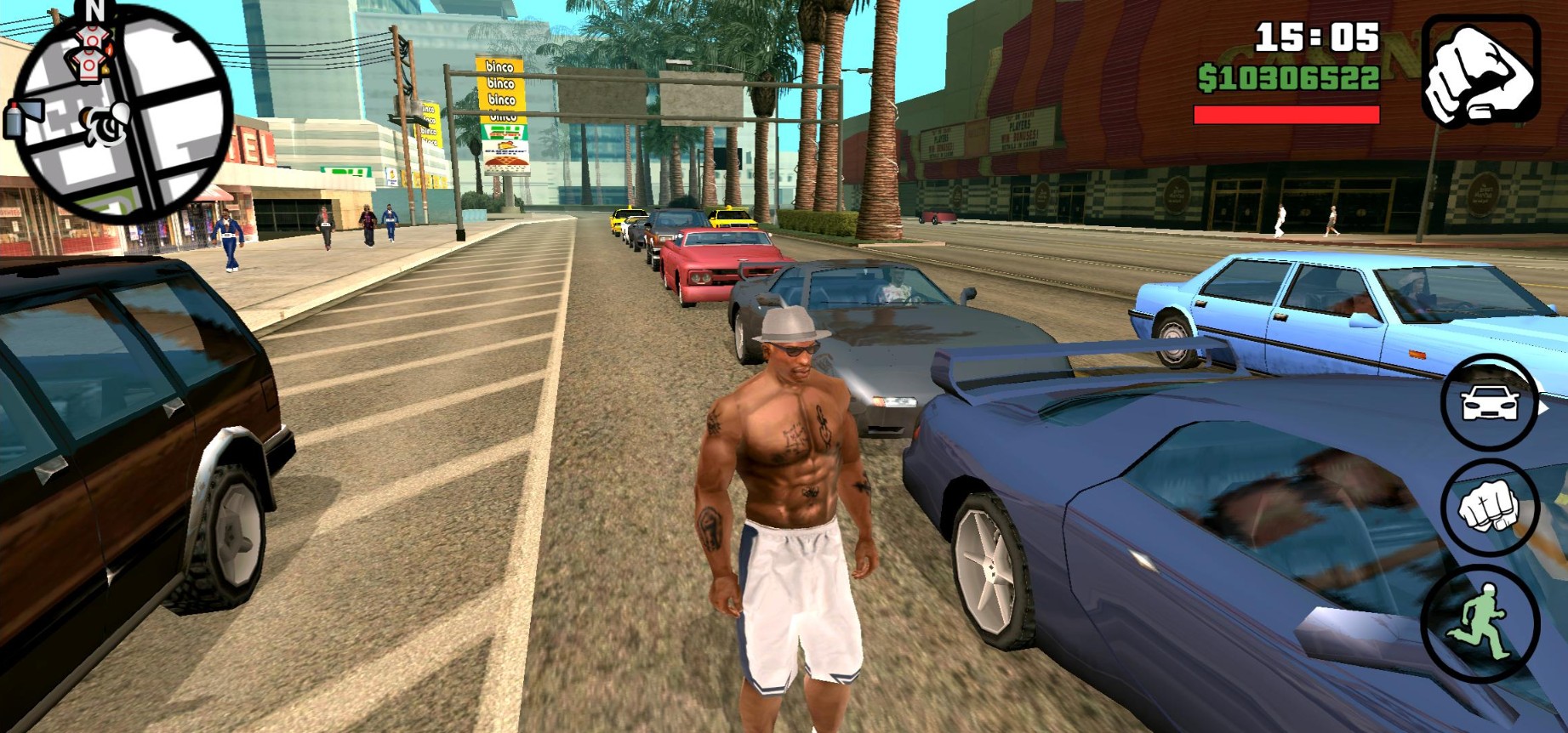
Looking to add more excitement to your adventures in the world of San Andreas? Cheat codes unlock a world of endless possibilities in this iconic game.
Whether you want unlimited weapons, the ability to fly through the sky, or even skip difficult missions, cheat codes are the perfect solution. Below, we highlight the most important GTA San Andreas cheats for mobile:
- ICANGOALLNIGHT – Max stamina
- BUFFMEUP – Max muscle
- LEANANDMEAN – Minimum muscle
- WHOATEALLTHEPIES – Max fat
- IAMNEVERHUNGRY – No hunger
- MANFROMATLANTIS – Infinite lung capacity
- TAKEACHILLPILL – Adrenaline mode
- HELLOLADIES – Max sex appeal
- WORSHIPME – Max respect
- GOODBYECRUELWORLD – Suicide
- KANGAROO – Super jump
- LETSGOBASEJUMPING – Parachute
- ROCKETMAN – Jetpack
- SPEEDITUP – Speed up game
- SLOWITDOWN – Slow down game
- TURNDOWNTHEHEAT – Clear wanted level
- BRINGITON – 6-star wanted level
- IDOASIPLEASE – Lock wanted level
- PROFESSIONALKILLER – Max hitman level
- STINGLIKEABEE – One-hit punch kills
- ROCKETMAYHEM – Recruit civilians with rocket launchers
- HESOYAM – Full health, full armor, and $250,000
- BAGUVIX – Infinite health (you can still die from explosions or falls)
Are There Any Specific GTA San Andreas Cheats for Android?
The cheats mentioned above work on both Android and iOS, and there are no cheats specifically dedicated to the Android version of the game. Essentially, GTA San Andreas cheats for Android are the same ones listed above.
However, while the cheat codes are identical across mobile platforms, the method of activating them may vary depending on your device and game version. Additionally, some cheats may behave differently on mobile compared to PC or console versions. To avoid potential issues, it’s always recommended to save your game before using any cheats.
It’s also worth noting that some cheats may behave differently on mobile compared to the original PC or console versions. Certain effects can be limited, unstable, or disabled depending on the game build, especially in newer updates.
Don’t forget to check: