
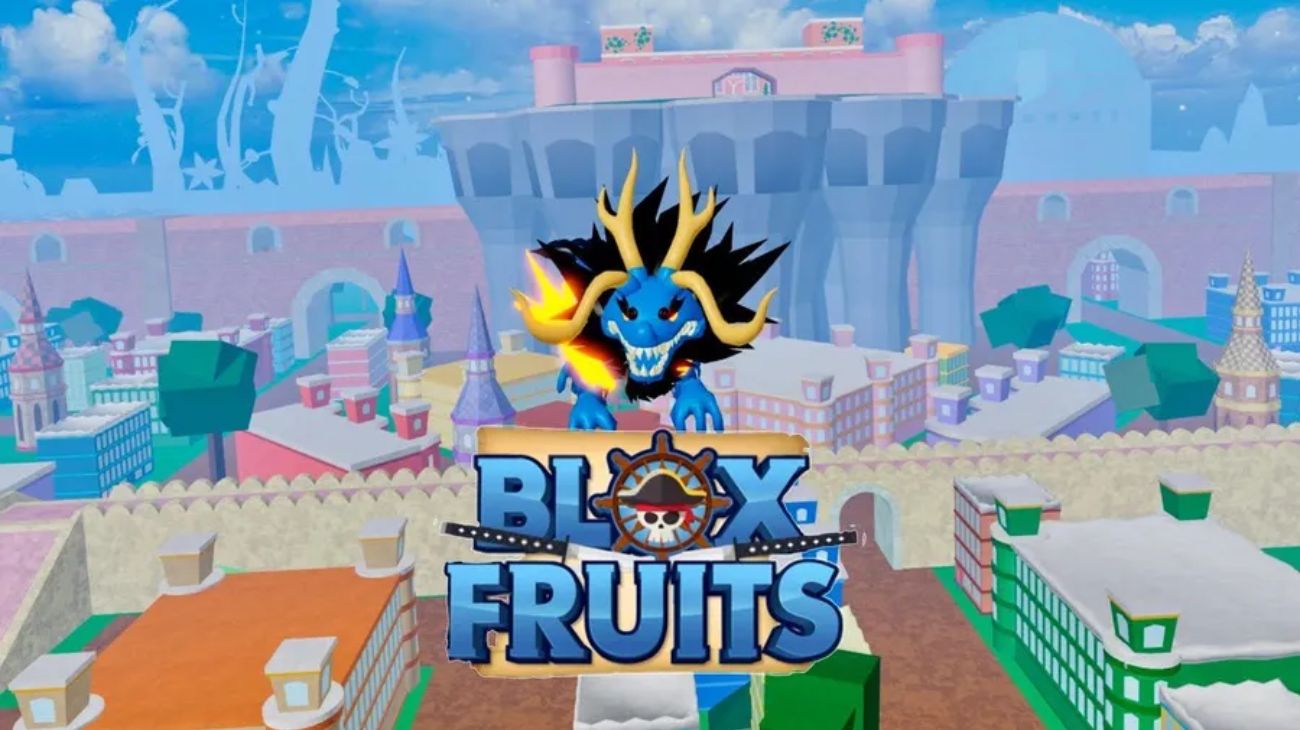
The 2025 version of Blox Fruits delivers major changes, new events, and exciting features that make the adventure even more engaging for fans of combat exploration and hunting down Devil Fruits. Here is everything you need to know about Blox Fruits latest version so far in this year.
What Is the 2025 Version of Blox Fruits?
The 2025 version represents a major overhaul, elevating the game’s scope and adding advanced mechanics:
-
Improved server performance, reducing lag for a smoother experience.
-
Rebalanced fruit powers and combat weapons to make PvP fairer.
-
New side story missions that expand world exploration and reward exclusive loot.
What’s New in the Blox Fruits Latest Version in 2025?

This year’s update is packed with content designed to add depth, variety, and replay value.
New Islands and Areas
-
Several new islands introduced, including volcanic zones and icy regions.
-
Each island features unique bosses with rare rewards.
-
Hidden secrets and treasure spots to uncover legendary weapons.
New Devil Fruits
-
Fresh fruits with original powers like time manipulation and sea storms.
-
Buffs for existing fruits to create better balance.
-
Higher chances of finding rare fruits through special quests and weekly events.
Combat System Improvements
-
Enhanced combat mechanics with faster attacks and new moves.
-
New weapons including dual swords and energy guns with special skills.
-
Adjusted balance between fruits and weapons for fairer PvP.
Missions and Challenges
-
Deeper main and side quests offering more XP and Beli.
-
Daily and weekly challenges with rare resources and powerful gear.
-
Team-based exploration missions encouraging cooperative play.
Performance and Graphics
-
Visual upgrades with improved lighting and dynamic weather.
-
Refined combat sound effects and environmental audio.
-
Optimized performance for mobile and mid-range devices.
User Interface (UI)
-
Redesigned menus for smoother navigation.
-
Clearer display of active missions and rewards.
-
Customizable settings tailored to player preferences.
Multiplayer Events and Crews
-
Seasonal events introducing new bosses and limited-time challenges.
-
Improved Crew system with better management tools.
-
Special rewards for teams completing cooperative objectives.
How to Update Blox Fruits on All Platforms

On PC (Windows/Mac):
-
Launch Roblox Player.
-
Search for Blox Fruits and click Play.
-
The update downloads automatically before the game starts.
On Mobile (Android/iOS):
-
Open Google Play or App Store.
-
Update Roblox to the latest version.
-
Launch Blox Fruits, and the new update installs automatically.
On Xbox:
-
Open your game library.
-
Update Roblox if prompted.
-
Start Blox Fruits to apply the update.
Common Issues After the 2025 Update and Fixes
If you ran into some issues after installing Blox Fruits latest version, Here are some helpful tips:
Performance Lag or Freezes
-
Restart the device and update GPU drivers.
-
Lower Roblox graphics settings.
-
Clear Roblox cache or reinstall the client.
Game Not Launching
-
Check your internet connection.
-
Log out and back into your Roblox account.
-
Reinstall or update Roblox to the latest version.
Lost Progress or Missing Items
-
Ensure you’re logged into the same account used before the update.
-
Contact Roblox support with proof of ownership.
Code or Reward Errors
-
Double-check code spelling and case sensitivity.
-
Try redeeming on a different server or after a restart.
-
Wait for an official fix if the issue persists.
Audio and Sound Issues
-
Verify Roblox and system audio settings.
-
Reinstall the game to reload missing files.
Conflicts With External Software
-
Close unnecessary background apps.
-
Run the game in Windowed mode to reduce conflicts.
Don’t forget to check: